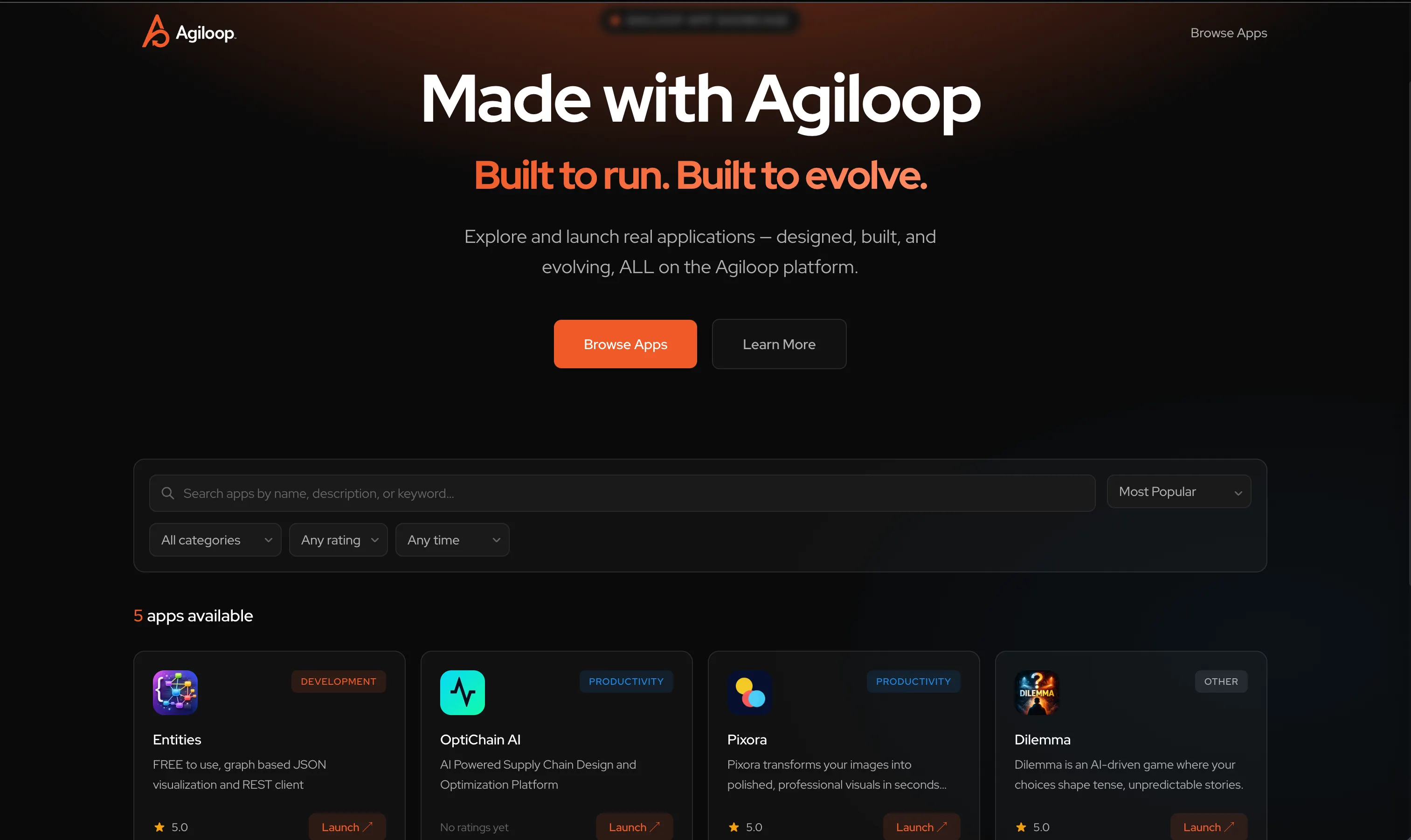
A Production App Built with Agiloop That You Can Explore End-to-End
Background
Agiloop is an end-to-end, AI-orchestrated product development platform designed to take ideas from concept to production. Through its four integrated stages — INVENT, IMPLEMENT, INSPECT, and ITERATE — Agiloop helps teams define requirements, generate production-ready software, measure success, and continuously improve their products.
When people first learn about Agiloop, one of the most common questions we hear is:
“What kinds of applications can it actually build?”
Rather than answering with screenshots or marketing claims, we decided to create a real-world example that every Agiloop user could explore firsthand.
The result was App Showcase — a live application built using Agiloop itself.
The Requirements
As a new platform, Agiloop needed a central location where visitors could discover applications that were created using the system.
The requirements were intentionally straightforward:
- Display a growing catalog of Agiloop-built applications
- Provide descriptions, screenshots, and links
- Allow users to explore projects across different categories
- Support future expansion without requiring major redesigns
- Demonstrate Agiloop best practices
- Serve as a reference implementation for new users
However, we wanted the project to be more than a simple directory website. We wanted it to become a complete example of the Agiloop development lifecycle — something users could inspect, learn from, and even compare against their own projects.
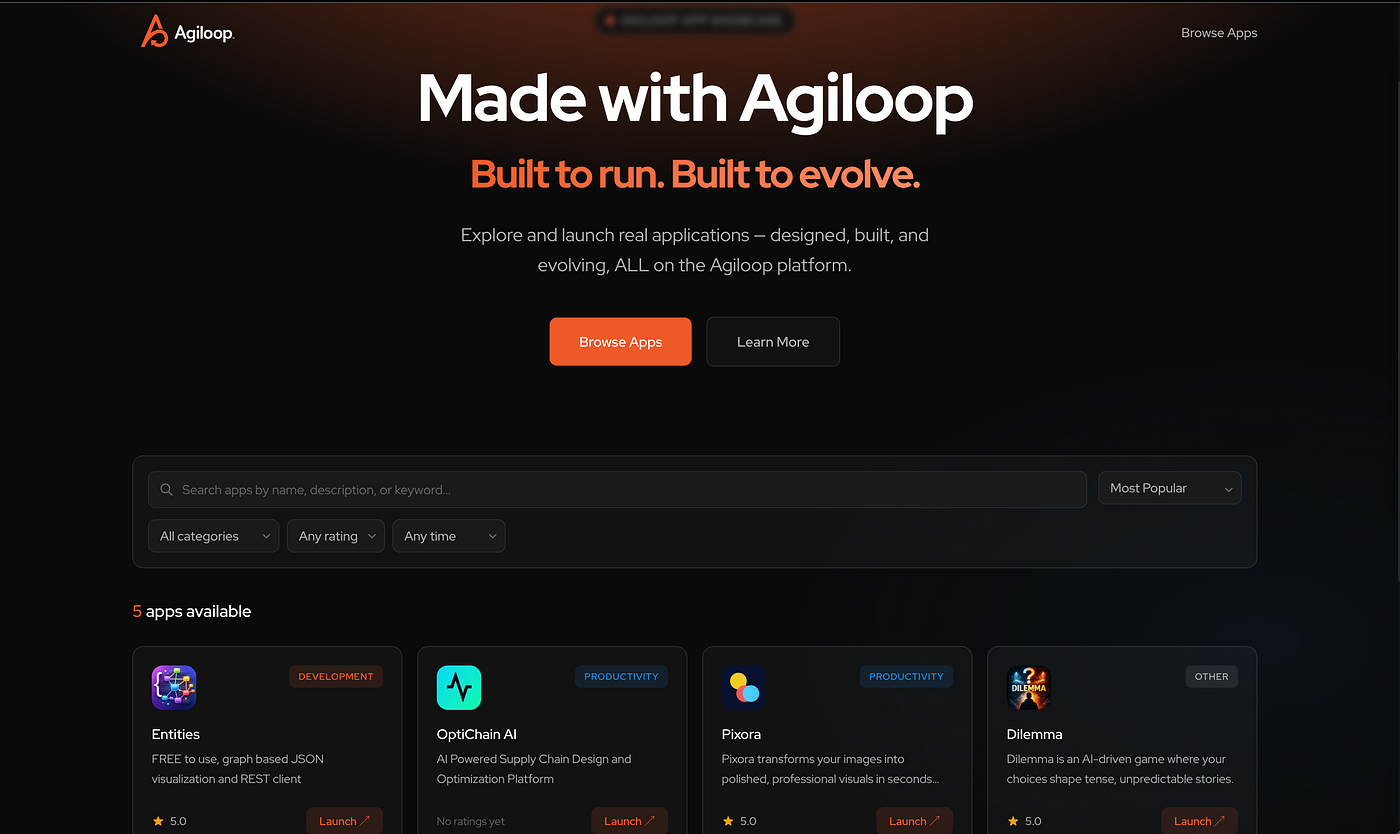
The Process
Like every project built with Agiloop, App Showcase began in INVENT.
Using the Interview process, we described the application’s goals, target audience, and desired functionality. Agiloop’s Business Analyst and Systems Architect agents collaborated to transform those conversations into structured requirements.
From there, Agiloop automatically generated:
- Features
- User stories
- Technical specifications
- Estimates
- Dependencies
- Implementation recommendations
As the backlog evolved, features were grouped, prioritized, and refined before being sent into IMPLEMENT. Each feature moved through the same workflow available to every Agiloop customer:
- Define requirements
- Review generated specifications
- Approve implementation
- Generate code
- Verify results
- Deploy to production
The project wasn’t treated differently because it was built by the Agiloop team. It followed the same process that customers use every day.
The Deployment
Once features were completed, deployment was handled through Agiloop’s integrated Railway workflow.
By connecting the project to Railway, completed services could be automatically deployed as features reached their final stages of implementation.
This provided several benefits:
- Rapid deployment of new functionality
- Consistent environments
- Simplified operational management
- Immediate visibility into deployment results
Because deployment is integrated directly into the platform, the transition from approved feature to running application required minimal manual effort. The result is a continuously evolving showcase application that remains synchronized with the project’s feature backlog and development activity.
Exploration
The most interesting aspect of App Showcase is that it is not merely an example project. It is a live production application. Every Agiloop user can access the project and explore how it was built.
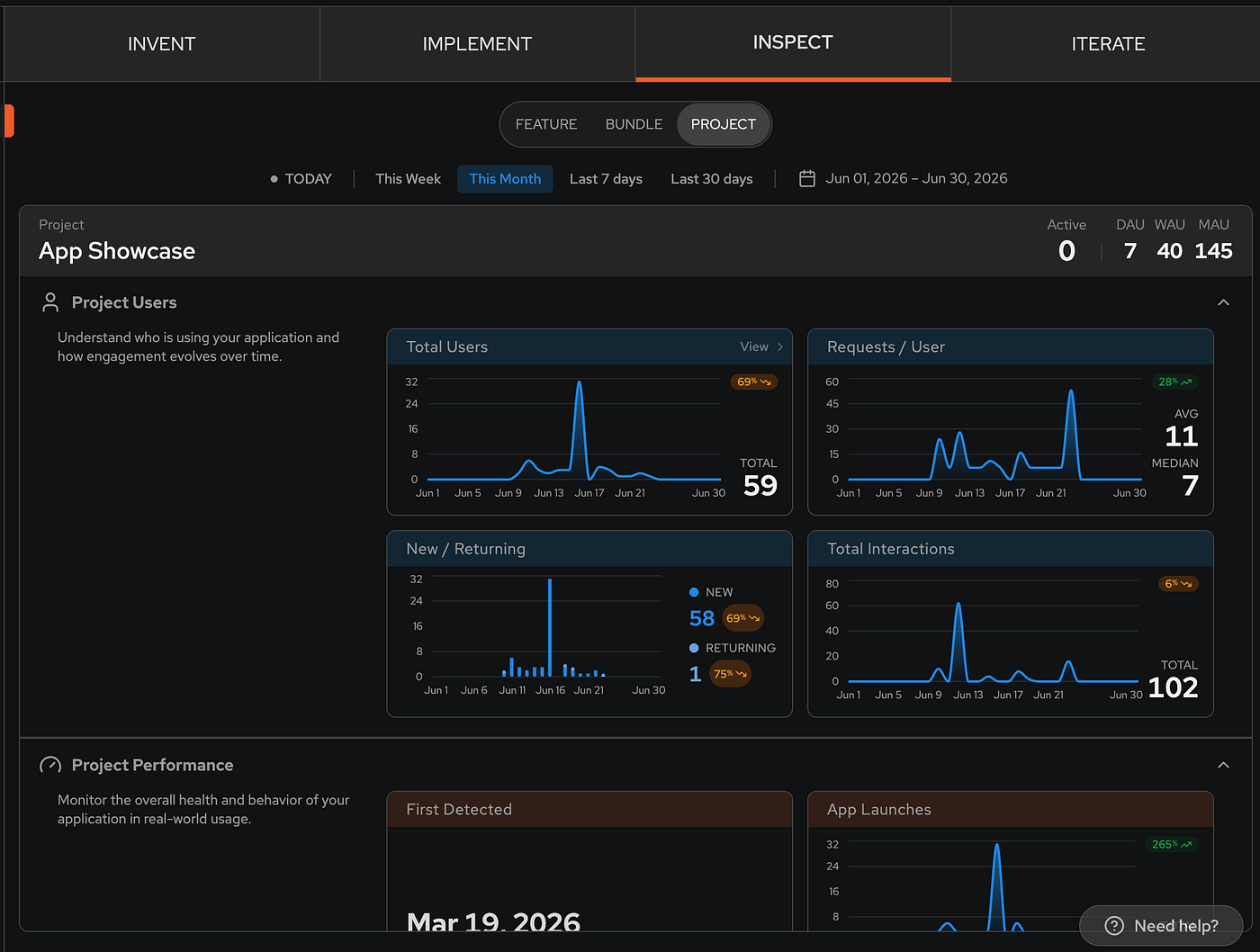
Users can:
- Review the feature backlog
- Examine generated specifications
- View implementation history
- Inspect feature dependencies
- Explore generated code commits
- Analyze production metrics
- Review goals and outcomes
- Observe how ITERATE generates future recommendations
This creates a unique level of transparency. Rather than wondering how a feature was designed, implemented, measured, or improved, users can follow the entire lifecycle from idea to production. As new functionality is added, the project continues to evolve, providing an ongoing example of how Agiloop is used in practice.
You can open the actual project here. No existing Agiloop account? No problem. It will create one as you login.
Showcase Applications
The App Showcase currently contains several applications built using Agiloop across a variety of domains. You can explore them directly at agiloop.cloud. Here are three examples:
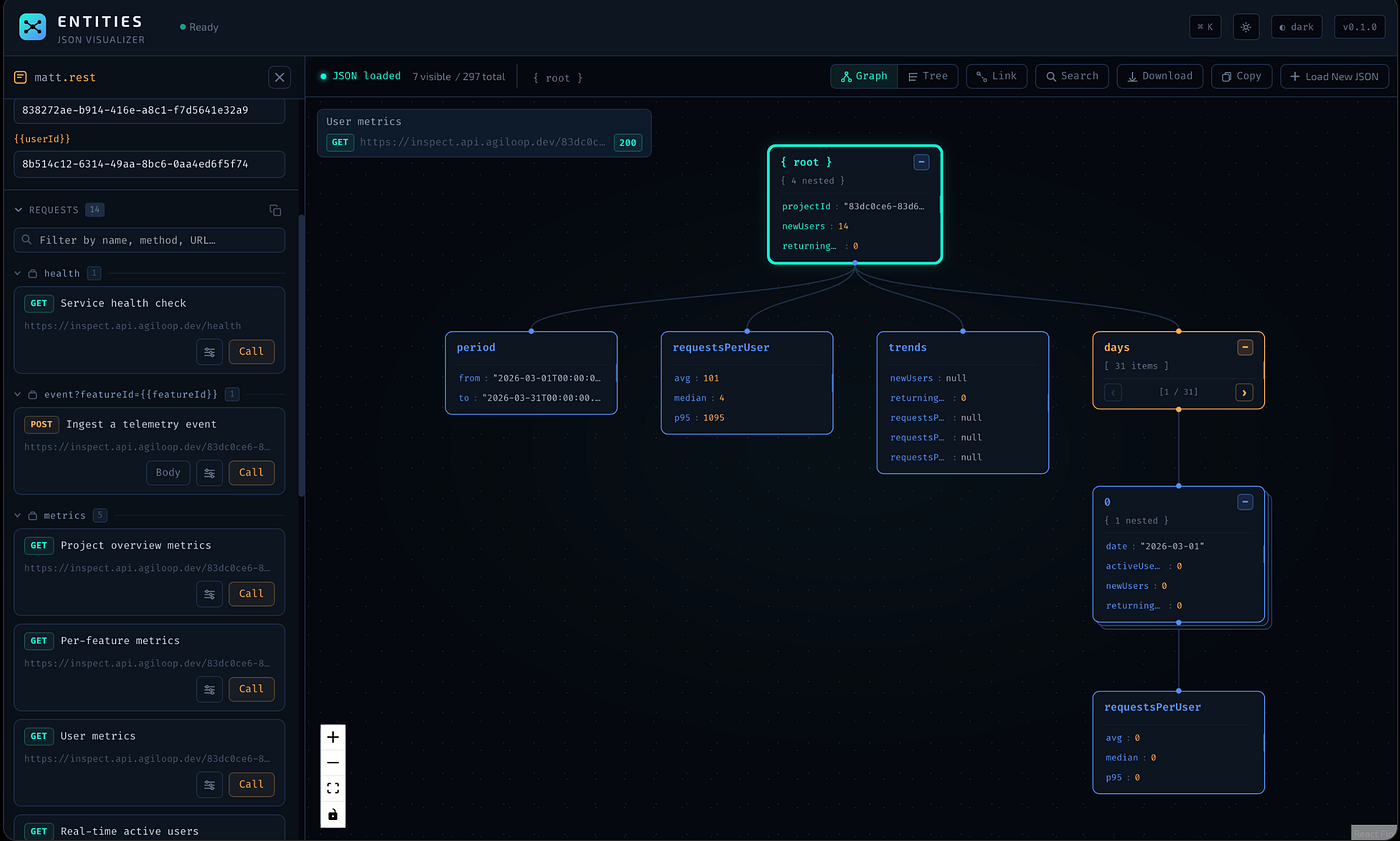
Entities
Entities is a visual JSON and REST exploration tool designed to simplify the understanding of complex data structures. It allows users to:
- Visualize JSON as interactive node graphs
- Navigate relationships between objects
- Explore REST API responses
- Better understand hierarchical data
Entities demonstrates Agiloop’s ability to build developer-focused tools with rich interactive interfaces.
Pixora
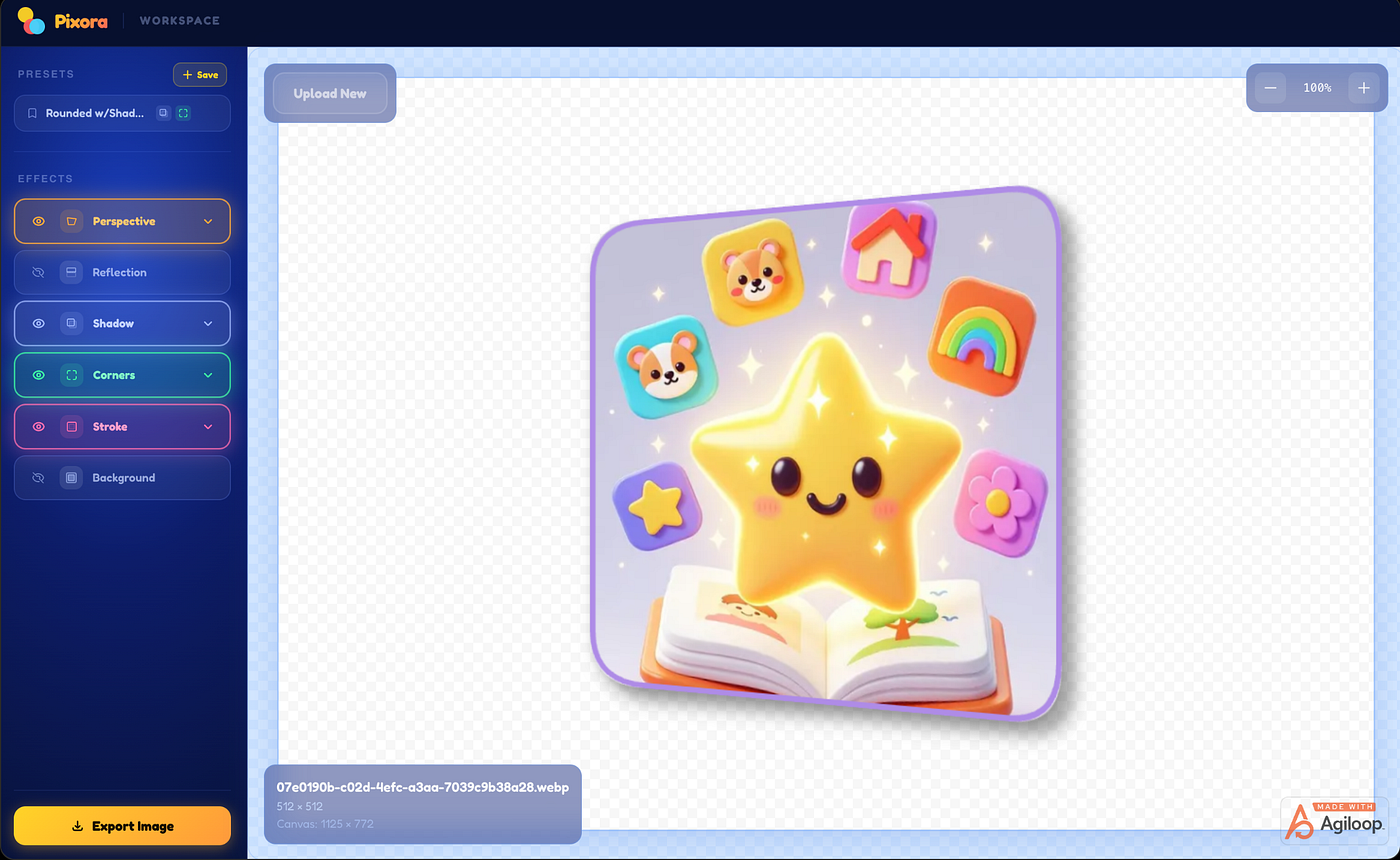
Pixora is a fast, beautifully designed image enhancement application that transforms ordinary screenshots and images into polished, presentation-ready visuals in seconds.
Inspired by the elegance and simplicity of classic desktop creative tools, Pixora provides a real-time editing experience where users can instantly apply professional visual effects without learning complex design software. Users can enhance images with:
- Reflections
- Shadows
- Glows
- Rounded corners
- Strokes and borders
- Perspective effects
Pixora demonstrates Agiloop’s ability to build modern, responsive web applications that combine polished user experiences with real-time image processing and interactive visual editing.
Dilemma
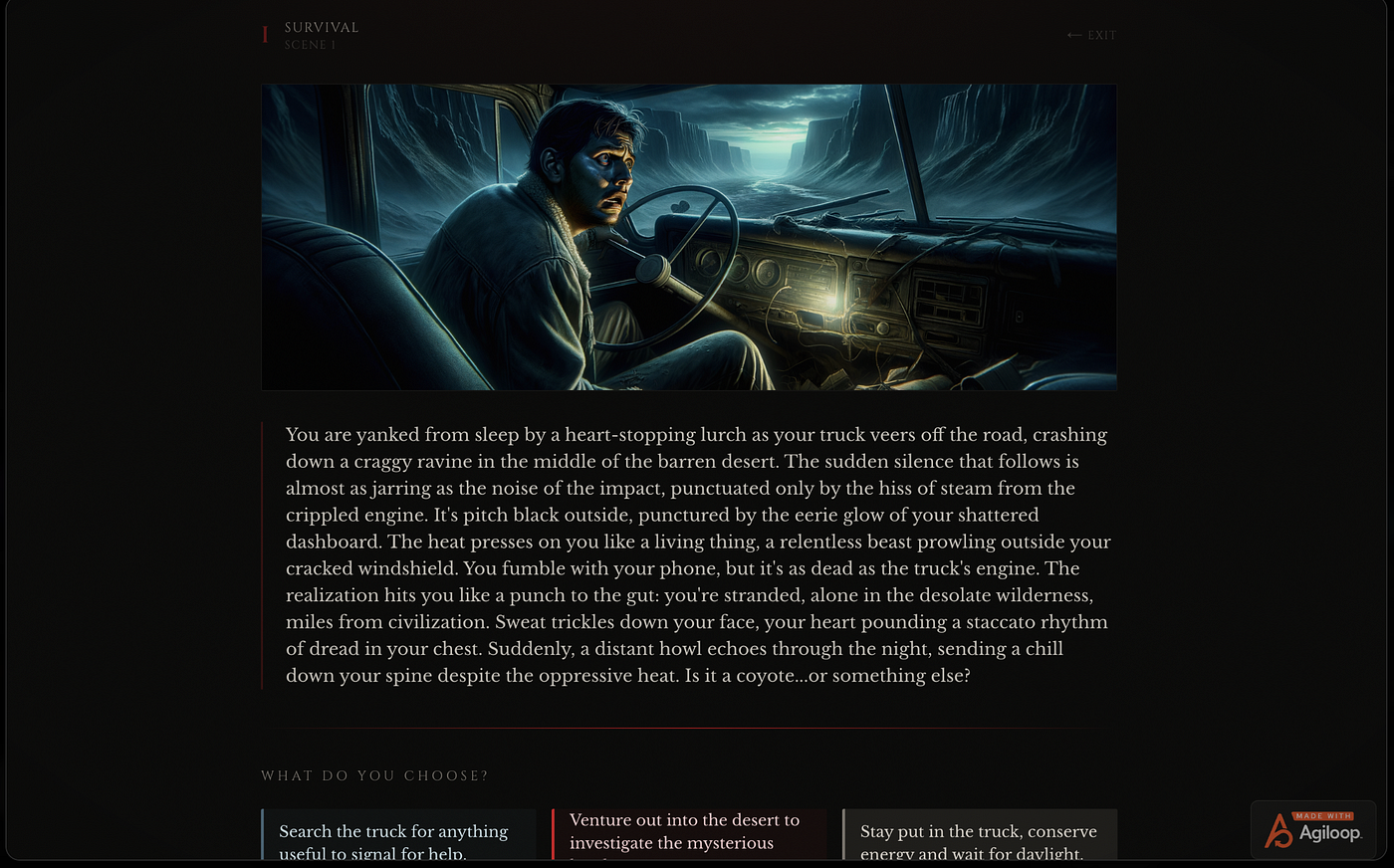
Dilemma is an AI-powered choice game that places players into increasingly difficult situations and asks them to make decisions under pressure. Every choice influences the direction of the story, creating unique and often unpredictable outcomes. The project demonstrates:
- Dynamic content generation
- AI-driven gameplay
- State management
- Interactive storytelling
Dilemma is a good example of how Agiloop can be used to create engaging consumer-facing experiences powered by large language models.
Final Thoughts
App Showcase began as a simple catalog of applications. It quickly became something much more valuable — a living demonstration of the Agiloop platform itself.
Visitors can see real projects, real features, real deployments, real metrics, and real iteration cycles. They can observe how ideas become specifications, how specifications become code, and how production data drives future improvements.
Most AI development tools focus on generating code. Agiloop focuses on generating products.
From initial concept through deployment, measurement, and continuous improvement, the platform orchestrates the entire product development lifecycle. App Showcase is one example of what that looks like in practice — and it’s only the beginning.
Try Agiloop: https://agiloop.ai